Secrets Management
Goal: Securely manage API keys and credentials.
API Key Management
Creating an API Key
Option A: Using the UI
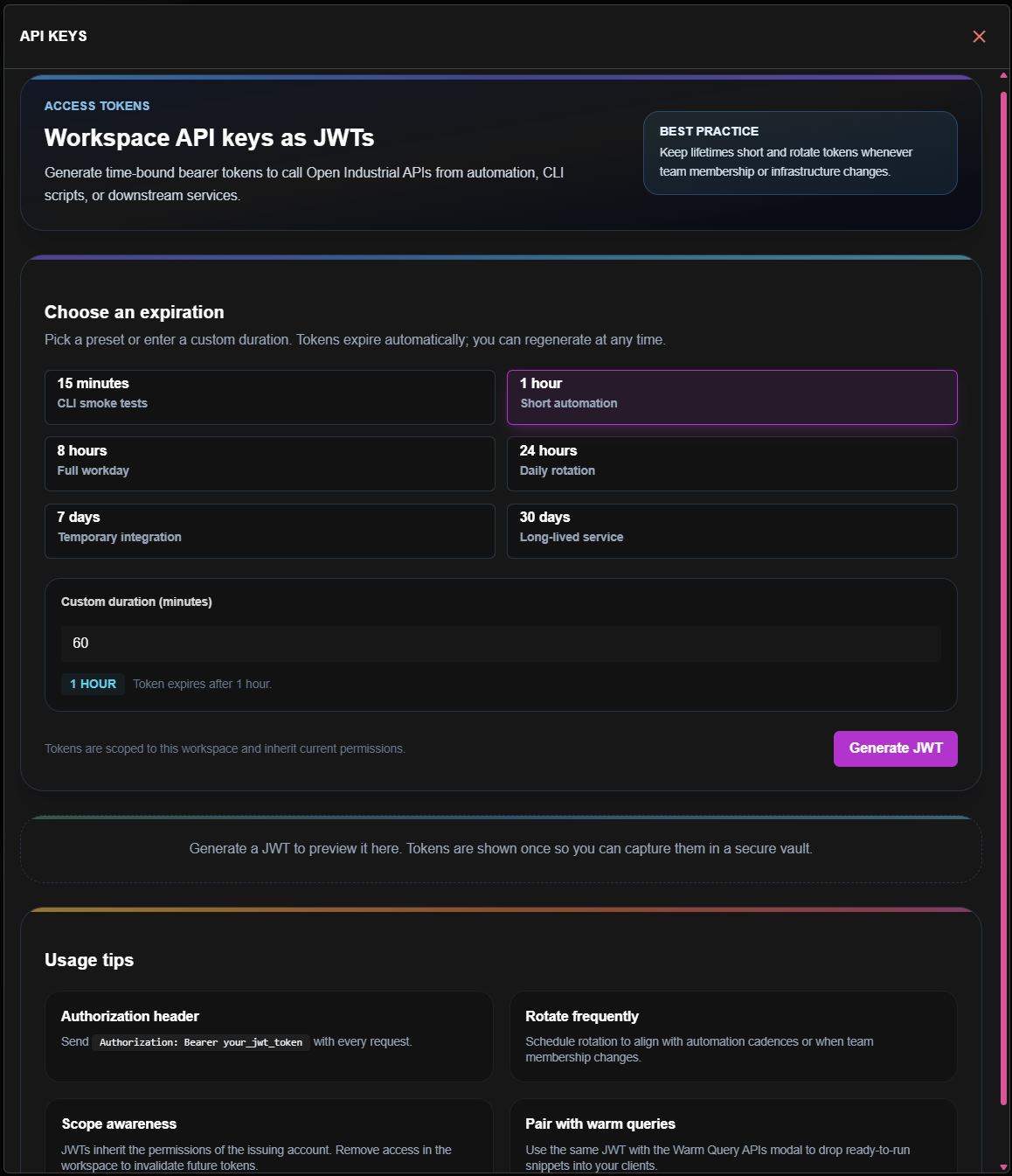
- Open the APIs menu in the AppFrameBar
- Select API Keys
- Choose an expiration preset (15min, 1h, 8h, 24h, 7d, or 30d)
- Click Generate JWT
- Copy the token immediately - it won't be shown again
Option B: Ask Azi
Thinking Tip:
Copy your API key immediately. It won't be shown again for security reasons.
JWT Tokens
Token Generation
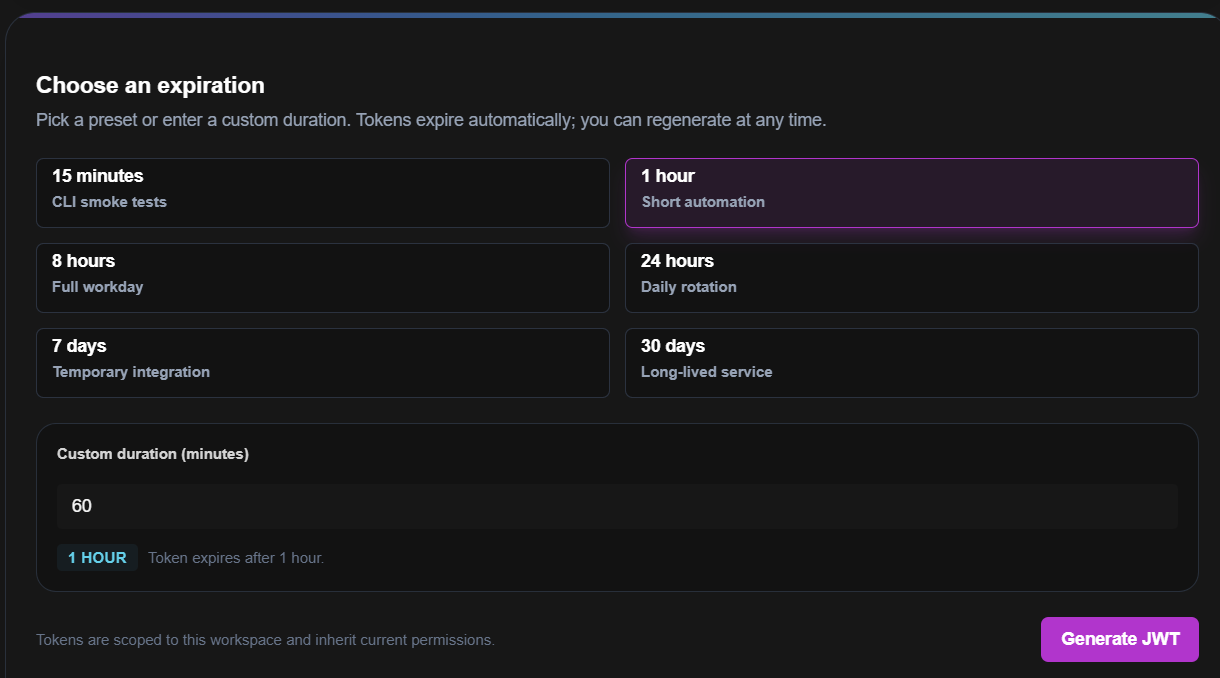
- Open APIs menu → API Keys
- Select an expiration preset:
- 15 minutes - CLI smoke tests
- 1 hour - Short automation
- 8 hours - Full workday
- 24 hours - Daily rotation
- 7 days - Temporary integration
- 30 days - Long-lived service
- Click Generate JWT
- Use the token in your applications
Token Structure
{
  "sub": "user@company.com",
  "workspace": "workspace-id",
  "scopes": ["read:queries", "execute:queries"],
  "exp": 1737200000
}
Connection Credentials
How Credentials Are Stored
| Component | Storage |
|---|---|
| Connection strings | Azure Key Vault |
| API keys | Encrypted database |
| Service accounts | Managed identity |
Rotating Credentials
- Go to Connections
- Select the connection
- Click Update Credentials
- Enter new credentials
- Test connection
- Save
Credential rotation doesn't require downtime. Update, test, then save.
Best Practices
| Practice | Why |
|---|---|
| Short expiry for dev keys | Limit exposure during development |
| Long expiry for production | Avoid service interruptions |
| Scope appropriately | Minimum necessary access |
| Rotate regularly | Limit compromise window |
| Use environment variables | Never hardcode secrets |
Audit Trail
Every secret operation is logged:
- Key creation (who, when)
- Key usage (which endpoint, when)
- Key revocation
- Credential updates
Access audit logs via:
- Workspace settings → Security → Audit
- API:
GET /v1/audit/secrets
Revoking Access
Revoke an API Key
- Go to API → Keys
- Find the key
- Click Revoke
- Confirm
Revocation is immediate. Applications using that key will stop working.
Emergency Revocation
Next Steps
| If you want to... | Go to... |
|---|---|
| Test your API | APIs Overview → |
| Manage team access | Permissions → |
| Understand workflow | Save vs Commit → |