User Management Deep Dive
Goal: Understand the complete user and access model.
Where Users Are Managed
| Level | What's Managed |
|---|---|
| Platform | Account creation, SSO |
| Organization | Cross-workspace policies |
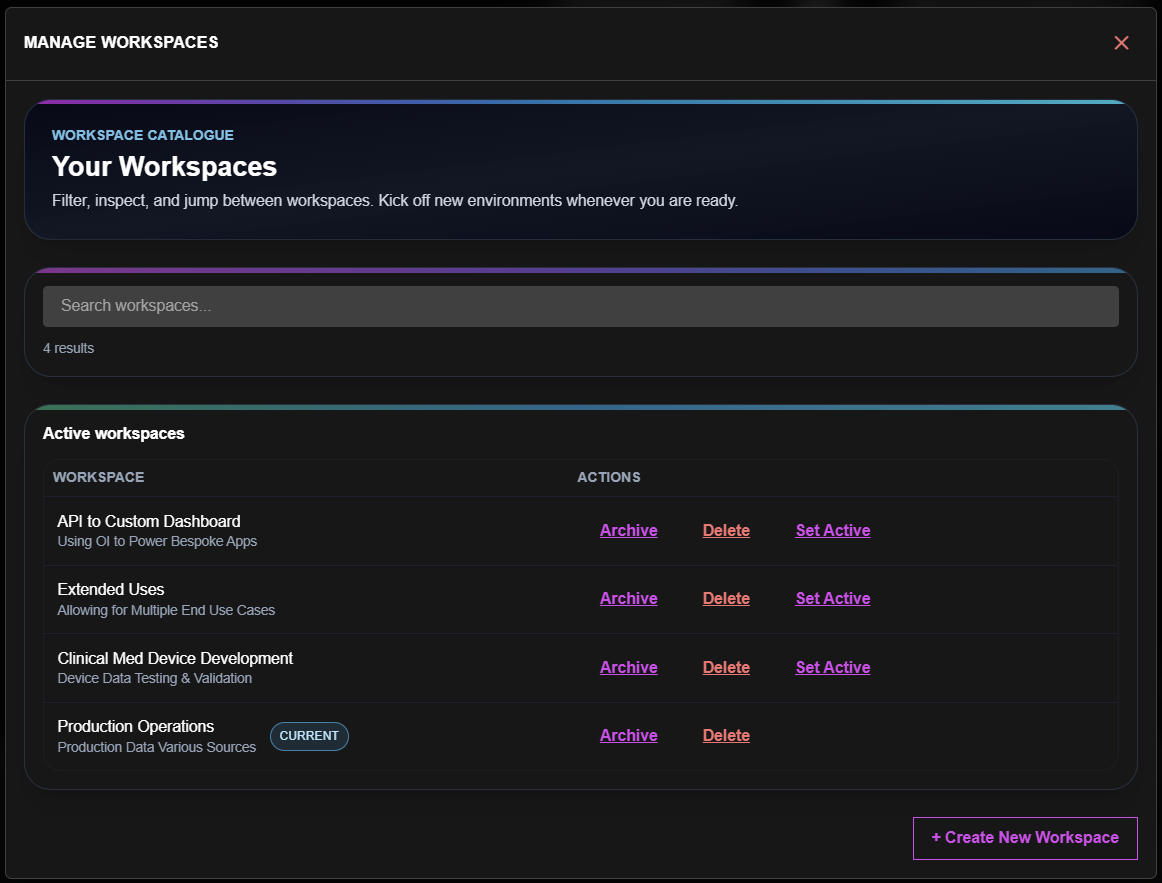
| Workspace | Team membership, roles |
| Surface | Fine-grained access |
Authentication
Users authenticate via:
| Method | Configuration |
|---|---|
| Email/Password | Default, Azure AD B2C |
| SSO | SAML, OIDC (Enterprise) |
| Social | Google, Microsoft (if enabled) |
Authorization Model
Workspace Level
- Users get a role for the entire workspace
- Role applies to all surfaces within
Surface Level (Optional)
- Override workspace role for specific surfaces
- Useful for external partners
- More restrictive than workspace role
Private Cloud Deployment
When OpenIndustrial runs on your infrastructure:
| Aspect | Location |
|---|---|
| User accounts | Your identity provider |
| Role assignments | OpenIndustrial database (in your tenant) |
| Audit logs | Your Azure storage |
In private deployments, you control the identity layer. OpenIndustrial handles authorization.
SSO Integration
For enterprise SSO:
- Configure your IdP (Okta, Azure AD, etc.)
- Provide SAML metadata or OIDC endpoints
- Map IdP groups to OpenIndustrial roles
- Users sign in through your IdP
Thinking Tip:
SSO is available on Enterprise plans. Contact us to configure.
User Audit Trail
Every user action is logged:
- Logins and logouts
- Resource access
- Modifications made
- Role changes
Access audit logs via:
- Workspace settings → Audit tab
- API:
GET /v1/audit/users
Compliance
| Requirement | How Addressed |
|---|---|
| GDPR | User data export, deletion |
| SOC 2 | Audit logging, access controls |
| HIPAA | BAA available (Enterprise) |
Next Steps
| If you want to... | Go to... |
|---|---|
| Manage API credentials | Security → |
| Understand workflow | Save vs Commit → |