Warm Queries Guide
Goal: Understand warm queries—saved queries that automatically become API endpoints.
What is a Warm Query?
| Aspect | Description |
|---|---|
| Saved query | KQL query stored with your surface |
| Runs on demand | Every call executes the query against live data |
| API endpoint | Automatically exposed via REST |
| Governed | Creation requires approval, access is logged |
Warm queries are your building blocks. Each one answers a specific question about your data.
Warm Query Lifecycle
CREATE → BUILD → APPROVE → DEPLOY → CONSUME
   ↓        ↓        ↓         ↓        ↓
 Empty    Azi    Human     Goes      API
 shell   writes  reviews   live    endpoint
Creating a Warm Query
Option A: UI
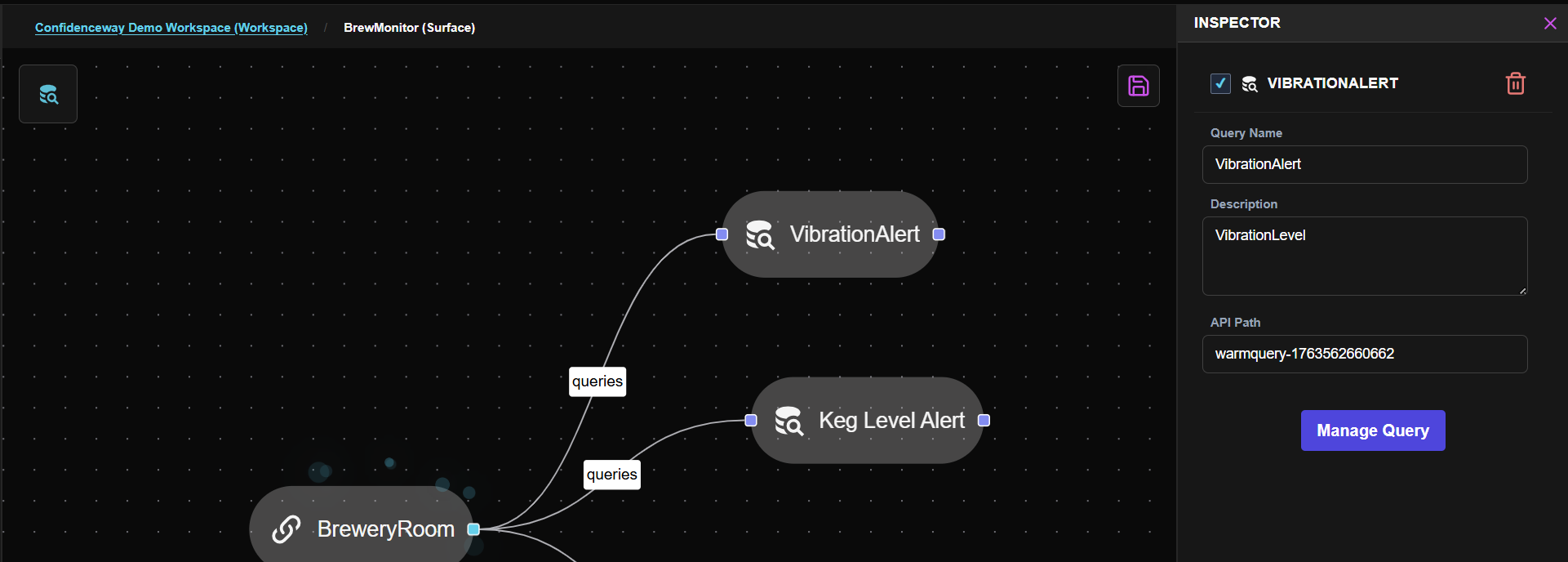
- Enter your surface (click Surface node, then click Manage Surface icon in Inspector)
- Drag Warm Query from the Node Bank onto the surface canvas
- Name it (e.g., "temperature-hourly-avg")
- Query container is created, ready for KQL
Option B: Azi
Building the Query
This is where Azi shines:
- Open your warm query
- Describe what you want in plain English:
- "Show average temperature by hour for the last 24 hours"
- "Find all readings above 80 degrees"
- "Count messages by device for today"
- Azi proposes KQL
- Review the query
- Approve, reject, or edit
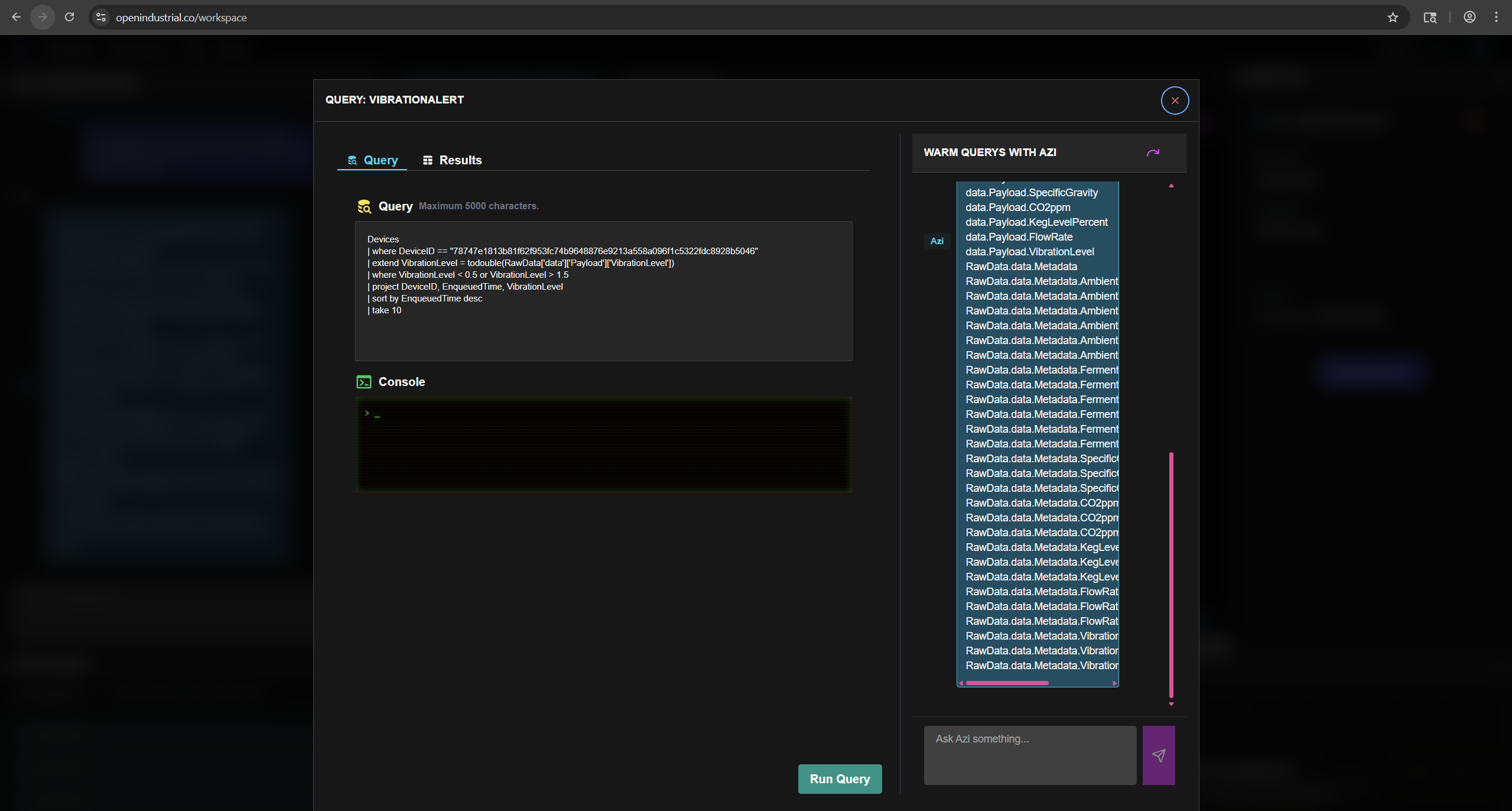
See Working with Azi → for detailed examples.
Query Results
Once approved and deployed:
| Access Method | How |
|---|---|
| UI preview | Click query to see results |
| REST API | GET /api/workspaces/explorer/warm-queries/{name} |
| MCP | Query via Claude, Copilot |
Warm Query vs Ad-Hoc Query
| Warm Query | Ad-Hoc Query |
|---|---|
| Saved, named | Temporary |
| API endpoint | No endpoint |
| Governed creation | Direct execution |
Thinking Tip:
Use ad-hoc queries to explore. Promote to warm queries when you want to share or automate.
Next Steps
| If you want to... | Go to... |
|---|---|
| Build complex queries with Azi | Working with Azi → |
| Learn KQL syntax | KQL Basics → |
| Call queries via API | APIs Guide → |